
Installing RustFS on Windows
1. Preparation
Note:
Windows startup mode only supports single-node single-disk mode, more suitable for development, debugging, and testing environments.
For detailed introduction about Windows startup modes, please refer to Startup Modes;
Download the installation package, modify permissions, and start.
2. Download
Go to the official website download page and download the latest RustFS installation package.
3. Modify Permissions
Please confirm that this program has relevant execution permissions in the Windows operating system.
Double-click the Startup Icon
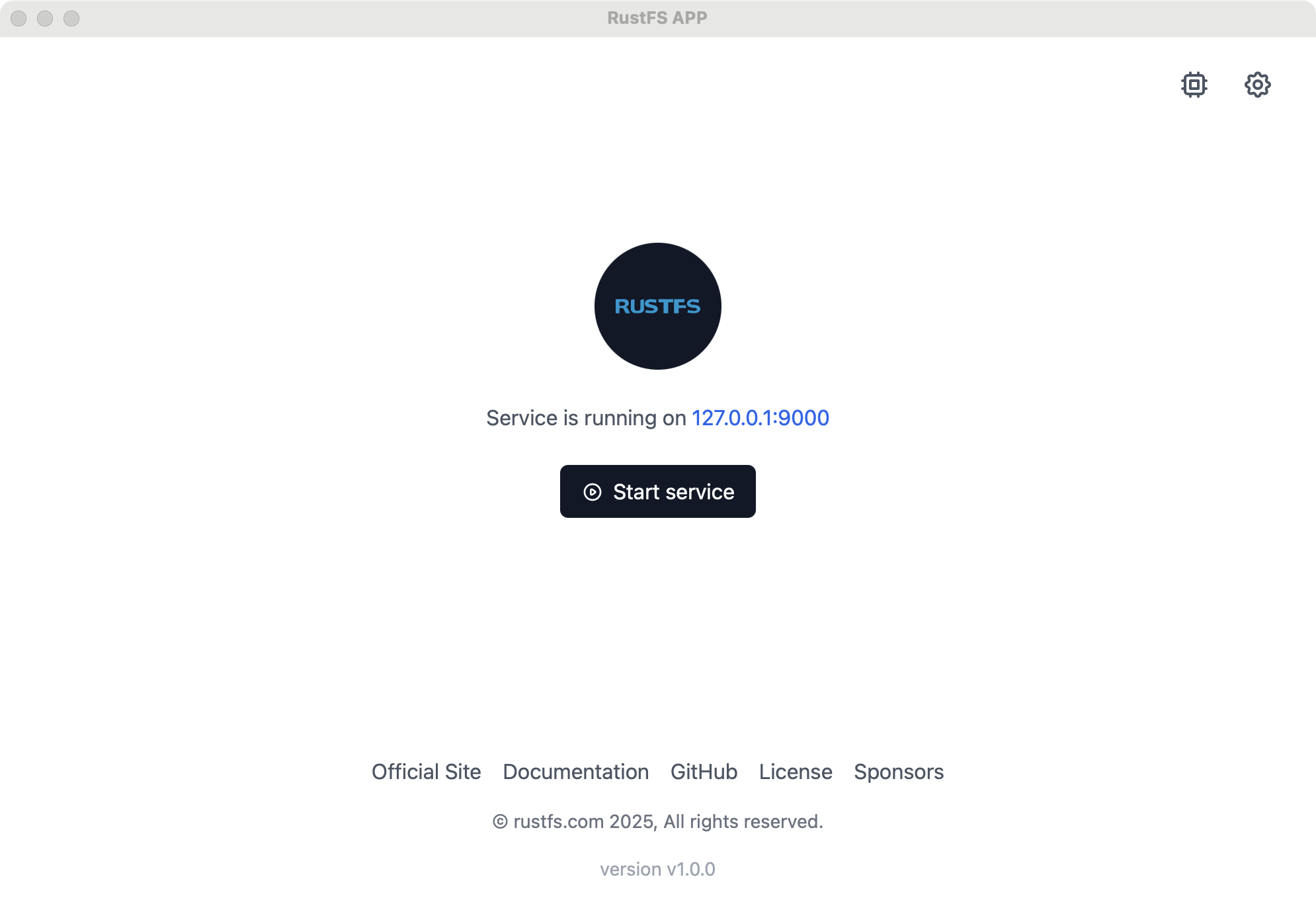
Double-click the startup icon;
Click configure disk;
Click "Start Service", and RustFS service starts successfully.
4. Modify Configuration
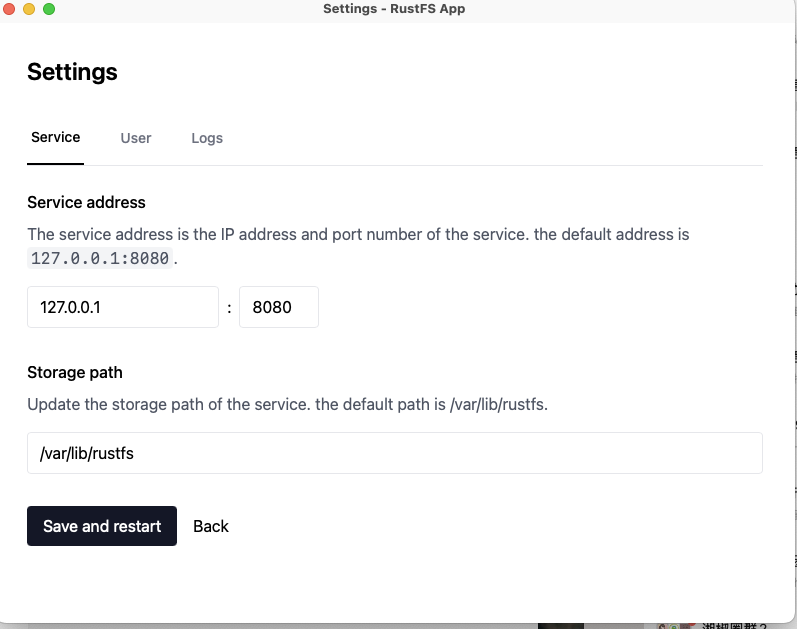
Click the modify button (gear-shaped button) in the upper right corner to modify:
Server default port;
Default administrator username and password;
Specified disk directory;
5. Access Console
After successful startup, visit http://127.0.0.1:7001 to access the console.